● Insert PDF ▸ Press start
Play games inside a PDF!
Doom, Tetris, Snake and Flappy Bird — running as real PDF files in your browser. Got a boring PDF of notes? Turn it into a game.
- 10
- PDF games
- 6
- Study games
- 0
- Installs
Pick a game.
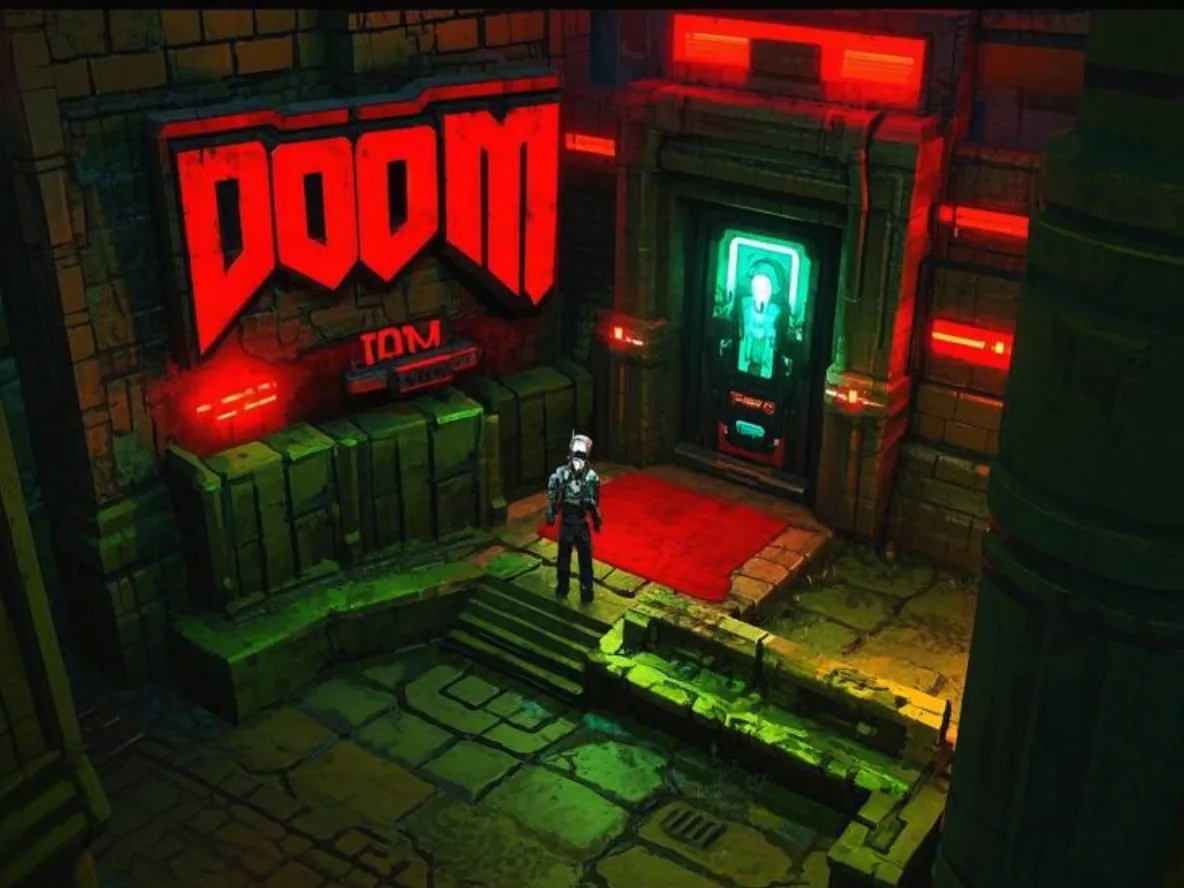 #01
#01Doom PDF
Rip and tear, page one of one.
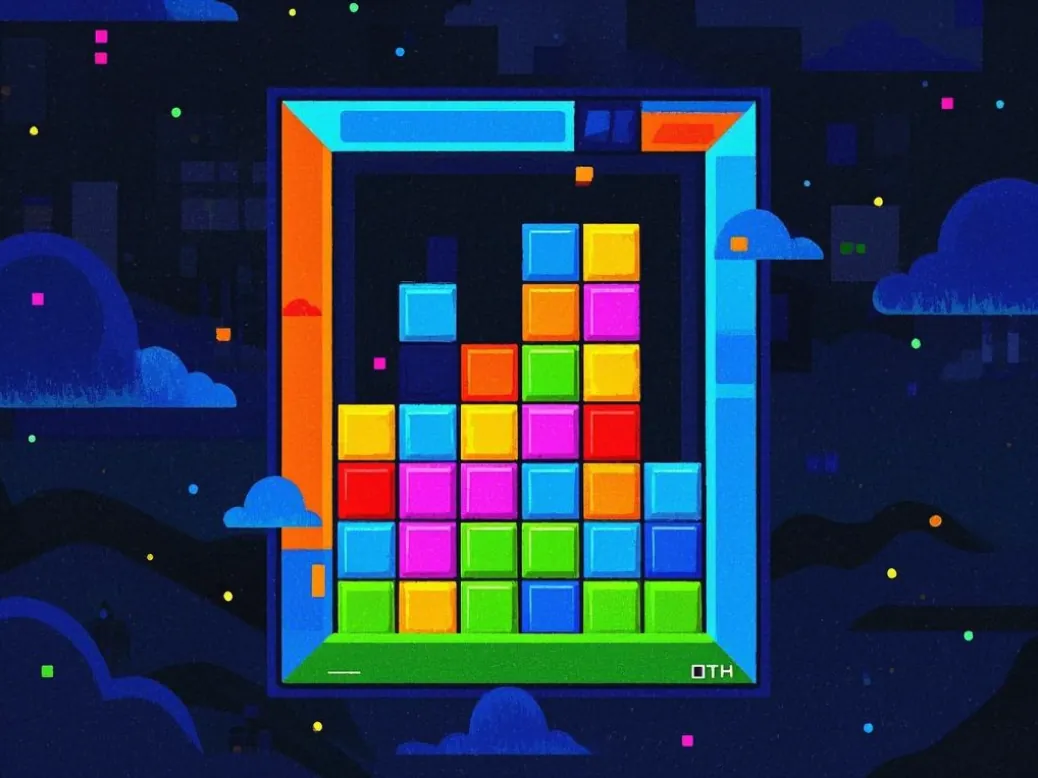 #02
#02PDF Tetris
Seven tetrominoes, zero apps.
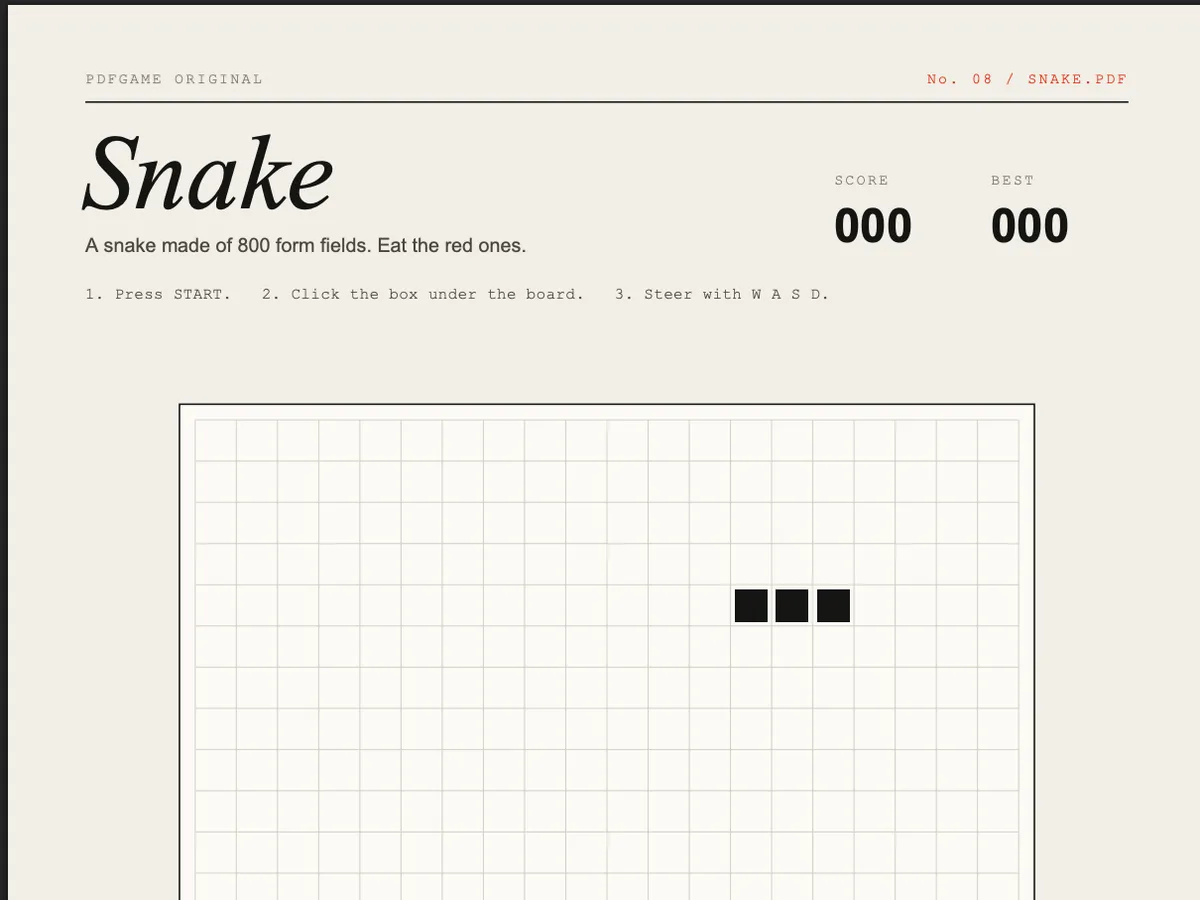 #03★ Original
Snake PDF
800 form fields, one hungry line.
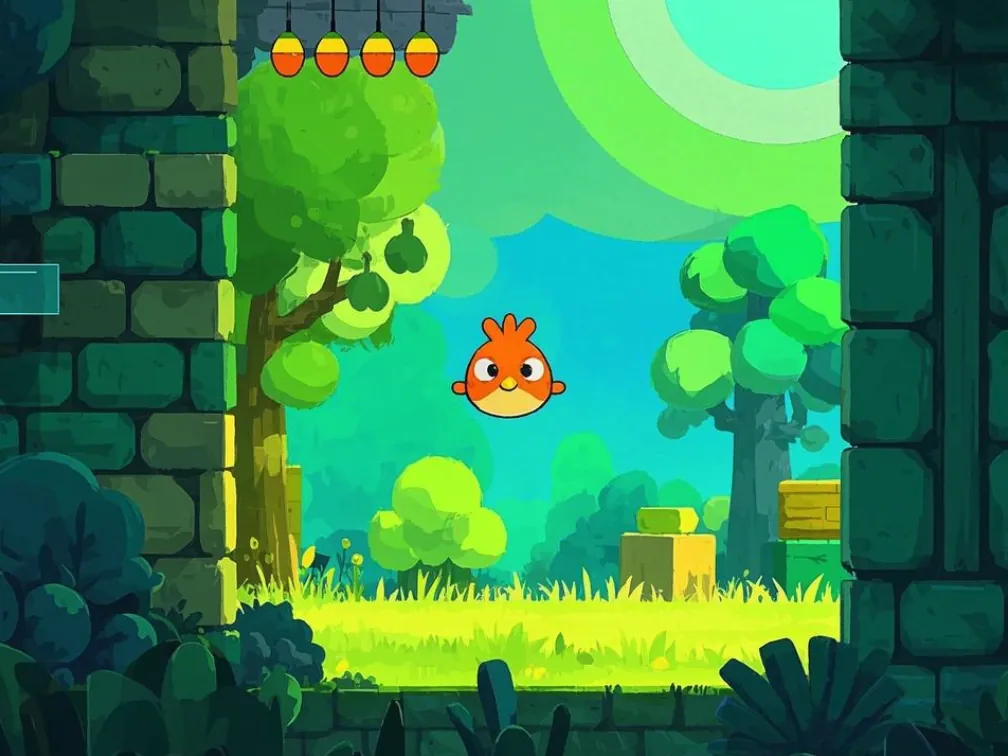 #04
#04Flappy Bird PDF
Click. Flap. Regret.
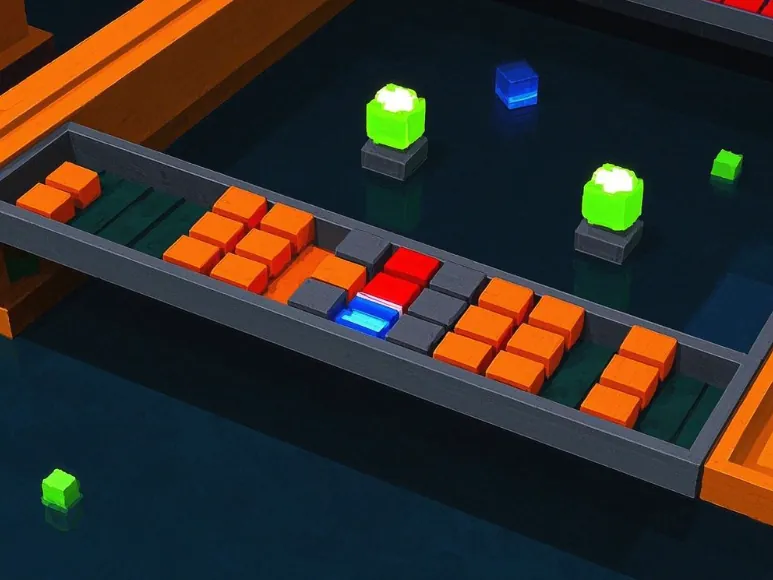 #05
#05Breakout PDF
Bricks were harmed. Documents too.
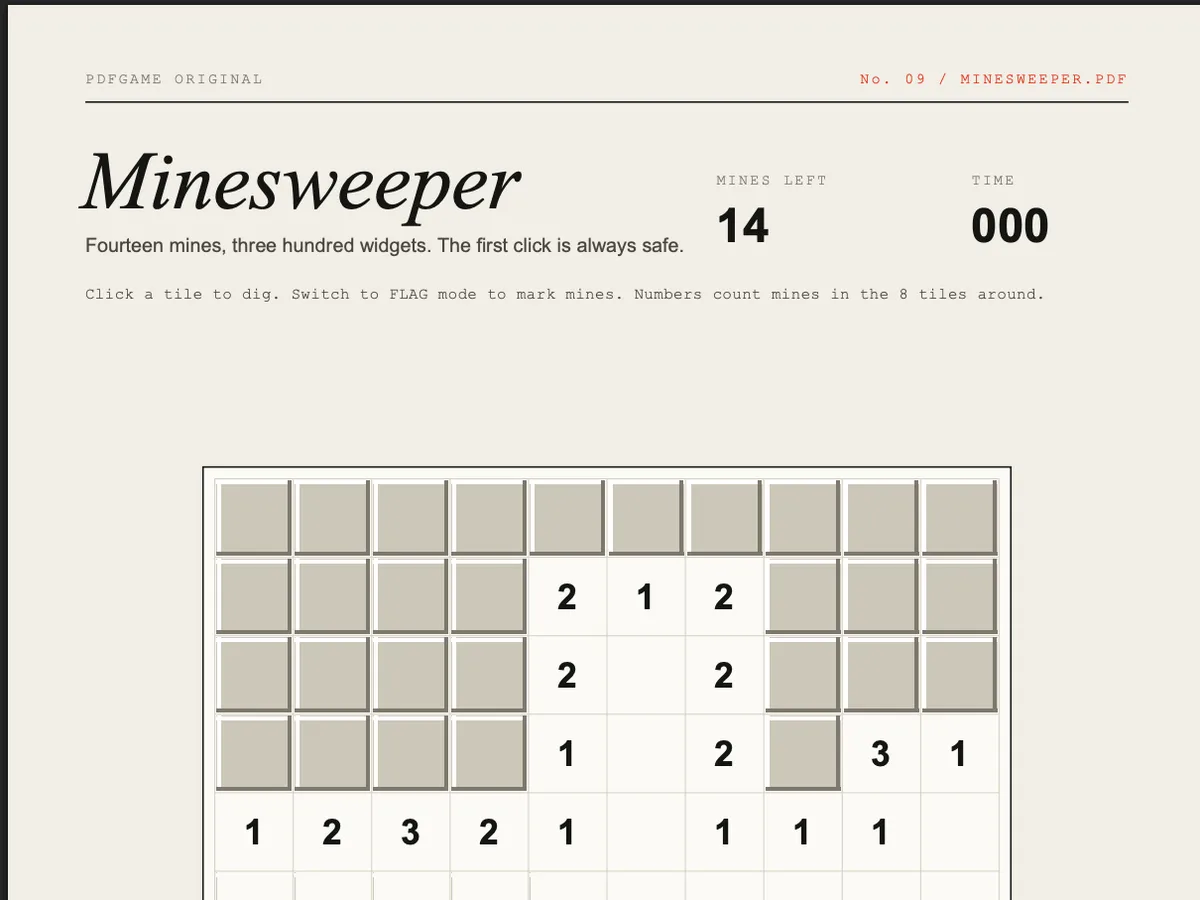 #06★ Original
Minesweeper PDF
Fourteen mines, three hundred widgets.
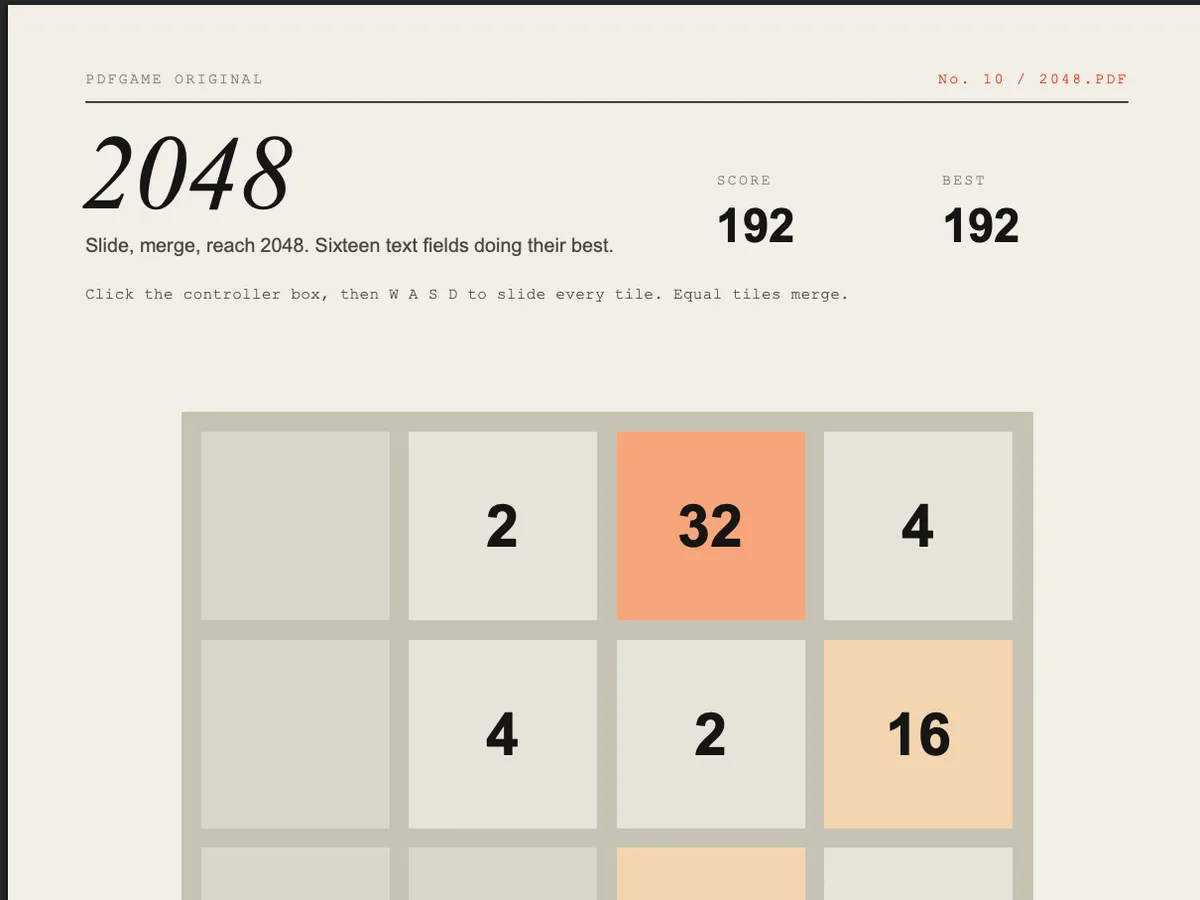 #07★ Original
2048 PDF
Sixteen text fields doing their best.
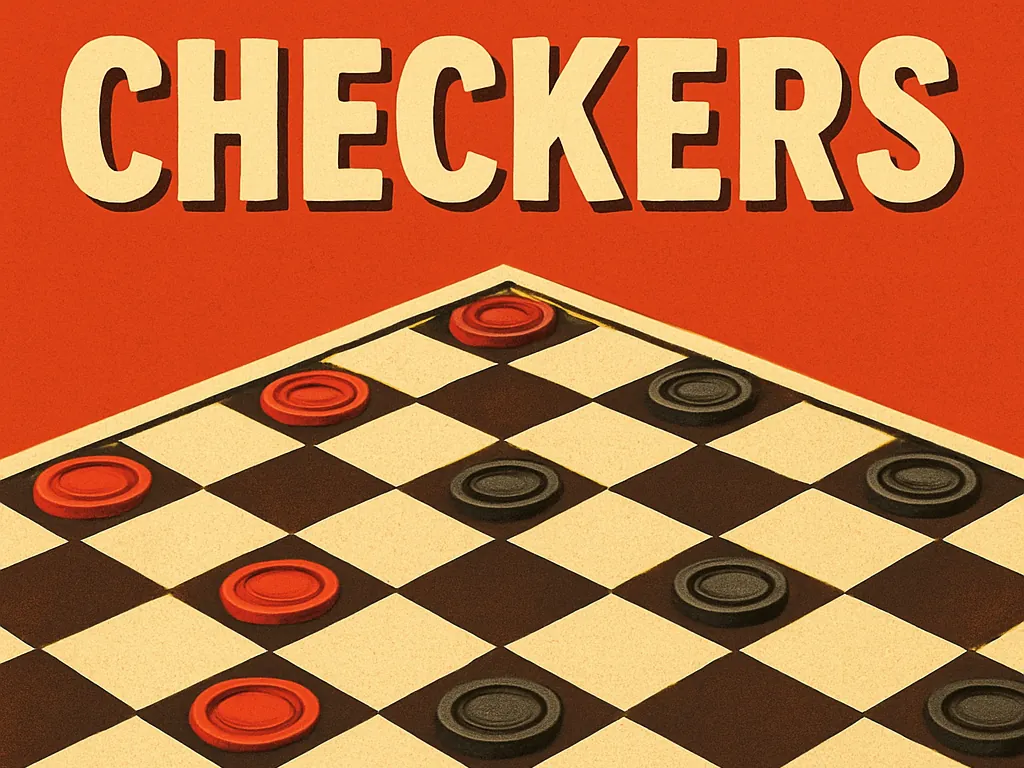 #08
#08Checkers PDF
Draughts, but make it a document.
#09Flappy Bird Classic
Fewer pixels, same heartbreak.
Got a PDF? Play it.
Quiz
Multiple choice from your notes
Flashcards
Flip, recall, mark what you knew
Matching Game
Pair each term with its meaning
Word Search
A printable puzzle from your text
Hangman
Guess the term letter by letter
Word Scramble
Unscramble the key terms
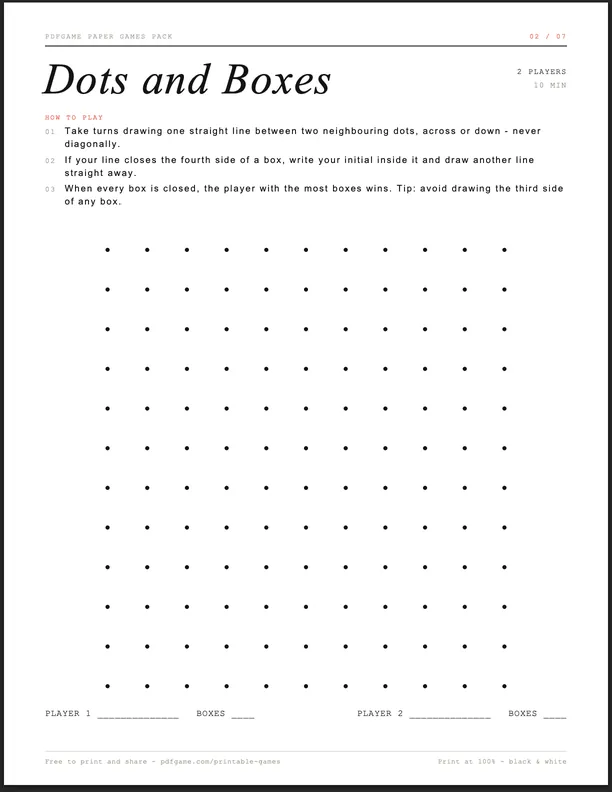
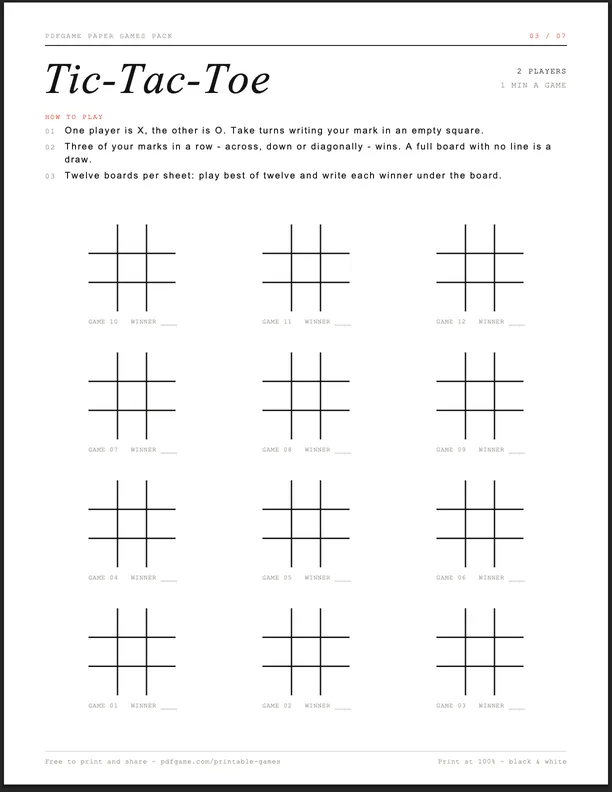
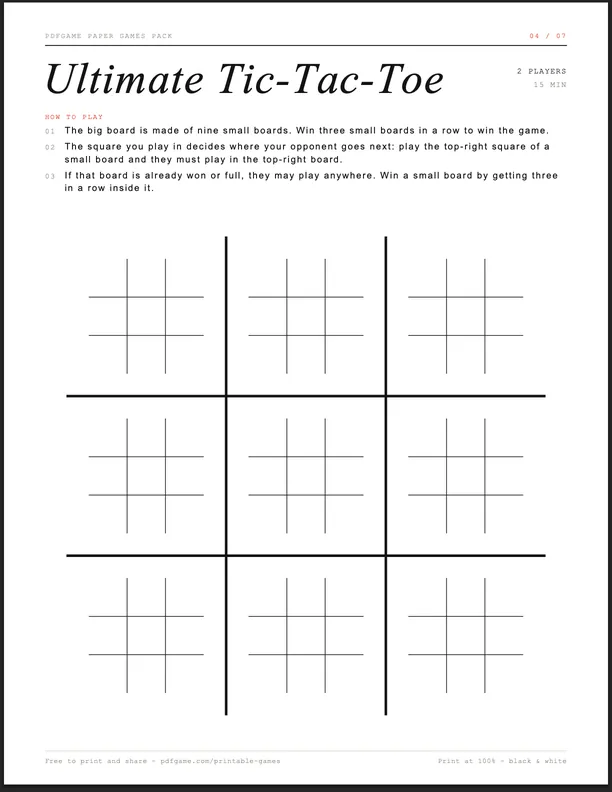
Or play it on paper.
How does a PDF play?
- 1
Fields are pixels
A form field can be shown or hidden from script. Lay out hundreds in a grid and toggle them — that's a screen.
- 2
A text box is the controller
A text field hears every key you type as event.change. Read it, move the player.
- 3
app.setInterval is the game loop
Call a function every 15–100 ms, update the state, redraw the fields.
- Read the full explainer
% a text field that eats keystrokes
12 0 obj
<< /Type /Annot  /Subtype /Widget
   /FT /Tx  /T (input)
   /AA << /K << /S /JavaScript
           /JS (handle_input(event)) >> >>
>>
endobj

% document script
function handle_input(event) {
  switch (event.change) {
    case 'w': rotate_piece(); break;
    case 'a': move_left();    break;
    case 'd': move_right();   break;
    case 's': lower_piece();  break;
  }
}
app.setInterval('game_tick()', 100);Learn the tricks.
Questions?
Q1How can a PDF run a game?
PDF files can carry JavaScript. Viewers like Chrome's PDFium support a subset of Adobe's Acrobat JavaScript API: scripts can show and hide form fields, change their text, run timers and react to typing. Use hundreds of fields as pixels, a timer as the game loop and a text box as the controller — and the document plays.
Q2Which browser should I use?
A desktop Chromium browser — Chrome, Edge, Brave, Opera, Arc. They use PDFium, which runs the scripts. Firefox uses PDF.js, which runs a smaller subset, so only some games work there. Safari and mobile browsers don't run PDF JavaScript.
Q3What is “PDF to game”?
Our tool that turns your own document into a study game: drop a PDF of notes or a textbook chapter and get a quiz, flashcards, a matching game, a word search, hangman or a word scramble built from its key terms. It runs in your browser — the file isn't uploaded.
Q4Are PDF games safe?
The games run inside the browser's PDF viewer, which is sandboxed and only exposes a limited scripting API — scripts can't read your files or install anything. As with any file, only open PDFs from sources you trust; the ones here are hosted by us and you can inspect them.
Q5Can I download the PDF games?
Yes. Every game page has a download button. Open the downloaded file in Chrome or Edge (drag it into a tab) to play offline.
Q6Can I submit a PDF game I made?
Please do. Email [email protected] with the file and a link to the source; we credit every author on the game page.