What is Checkers PDF?
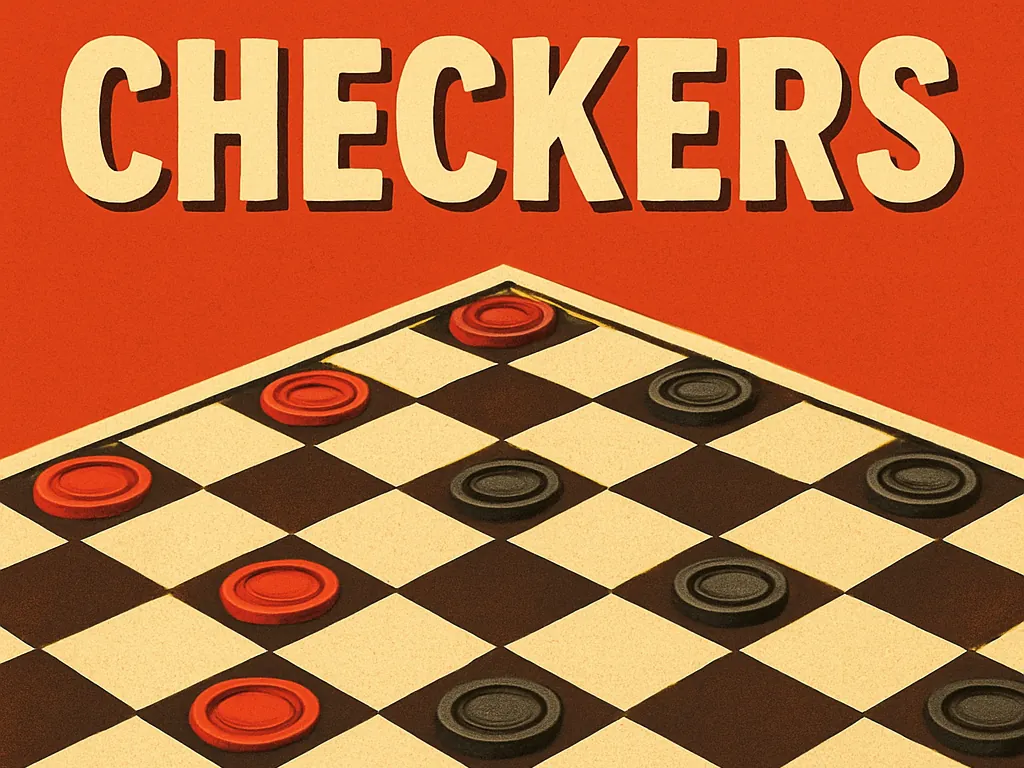
Checkers PDF is a full game of checkers (draughts) against a computer opponent, played on a board where every square is a clickable PDF form button. It's turn-based, so it's the calmest game in the collection — and the best proof that PDF scripting can hold real game state, not just animate things.
You play by clicking: pick one of your pieces, then click where it should go. The computer answers with its own move. Standard rules apply: diagonal moves, jumps to capture, kings at the far row.
We don't know who originally built this PDF. If you did, email [email protected] so we can credit you.
How to play.
- 01Open the page on a desktop computer in Chrome, Edge or Brave.
- 02Click one of your pieces to select it.
- 03Click a dark diagonal square to move there, or a square beyond an opponent's piece to jump and capture it.
- 04Wait for the computer to respond — its move appears on the board.
- 05Reach the far row to crown a king that can move both forwards and backwards. Capture or block all opposing pieces to win.
How it works.
Each of the 64 squares is a push-button widget with its own JavaScript action and appearance stream. Clicking a square reports its coordinates to the game script, which keeps the board in a plain JavaScript array and validates the move.
Updating the board means changing each button's caption and colours, so the board redraws in place without any canvas. The script also calls app.execMenuItem("FitPage") so the board fits the window in viewers that support it.
The computer opponent includes a small seeded random number generator, so its play varies from game to game,, with a setInterval wrapper (app.setInterval under the hood) to pace its turn so you can see it happen.
Tips.
- Keep your back row filled as long as you can — it stops the computer from crowning kings.
- Trade pieces when you're ahead; fewer pieces make your advantage decisive.
- Control the centre squares early; pieces there have the most options.
- Look for double jumps before committing to a single capture.
- If a click doesn't register, wait a moment — the computer may still be thinking.
Where it runs.
| Viewer | Status |
|---|---|
Chrome / Edge / Brave (desktop) | Works |
Firefox (PDF.js) Buttons render, but scripted moves may not update reliably. | Partial |
Safari (macOS) | No |
Adobe Acrobat Reader Untested here. | Partial |
iOS Safari / iPhone & iPad Mobile PDF viewers ignore PDF JavaScript entirely. | No |
Android Chrome Opens PDFs without a script engine, so nothing moves. | No |
Checkers PDF, answered.
Q1Can I play checkers against a friend?
This PDF is built around a computer opponent. For two players, take turns at the same computer and let one person play the computer's moves out loud — or just enjoy beating the machine.
Q2Are the rules standard checkers?
Yes: diagonal moves, jump captures and king promotion on the far row.
Q3Can I download Checkers PDF?
Yes. Use the download button, then open the file in a Chromium-based desktop browser.
Q4Does it work on tablets or phones?
No. Mobile PDF viewers don't run the script, so the board won't respond to taps.
Q5Who made it?
The original author is unknown to us — contact [email protected] if it's your work.