
Calculator PDF
What is Calculator PDF?
Calculator PDF reimagines the iconic iOS calculator as an interactive PDF experience. Beyond basic calculations, it includes game modes that challenge your mental math skills, speed, and accuracy. Built using PDF JavaScript capabilities, it combines utility with entertainment in a familiar interface.
More PDF Games!
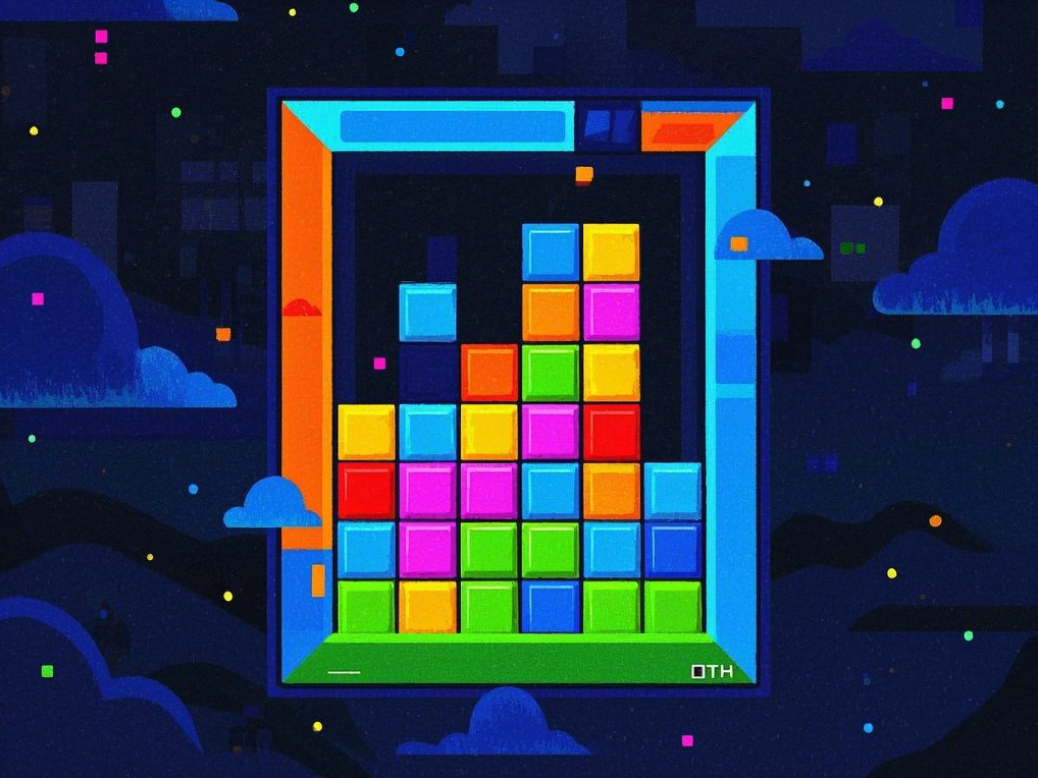
PDF Tetris
★ 4.8Classic Puzzle, PDF Innovation!

Doom PDF
★ 4.9Hell Opens in a PDF!

Flappy Bird PDF
★ 4.7Tap to Fly, Try Not to Die!
Flappy Bird Classic
★ 4.8Simple & Fun!
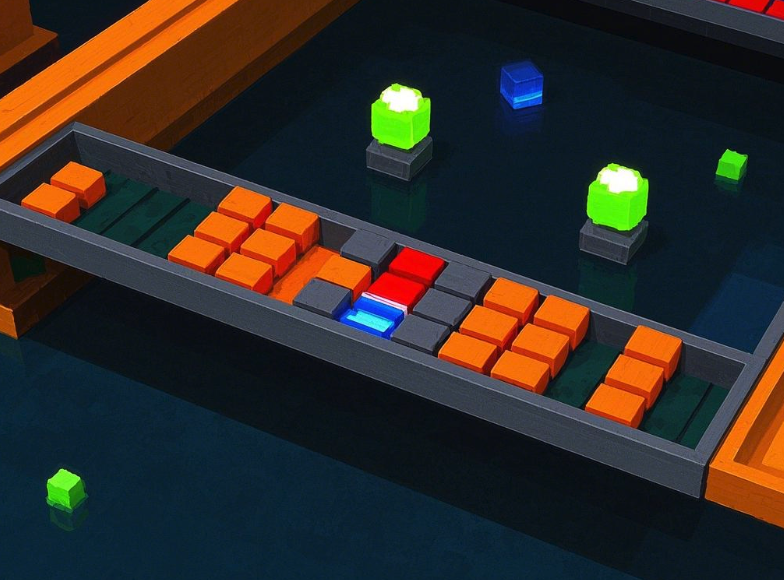
Breakout PDF
★ 4.7Break Bricks, Make History!
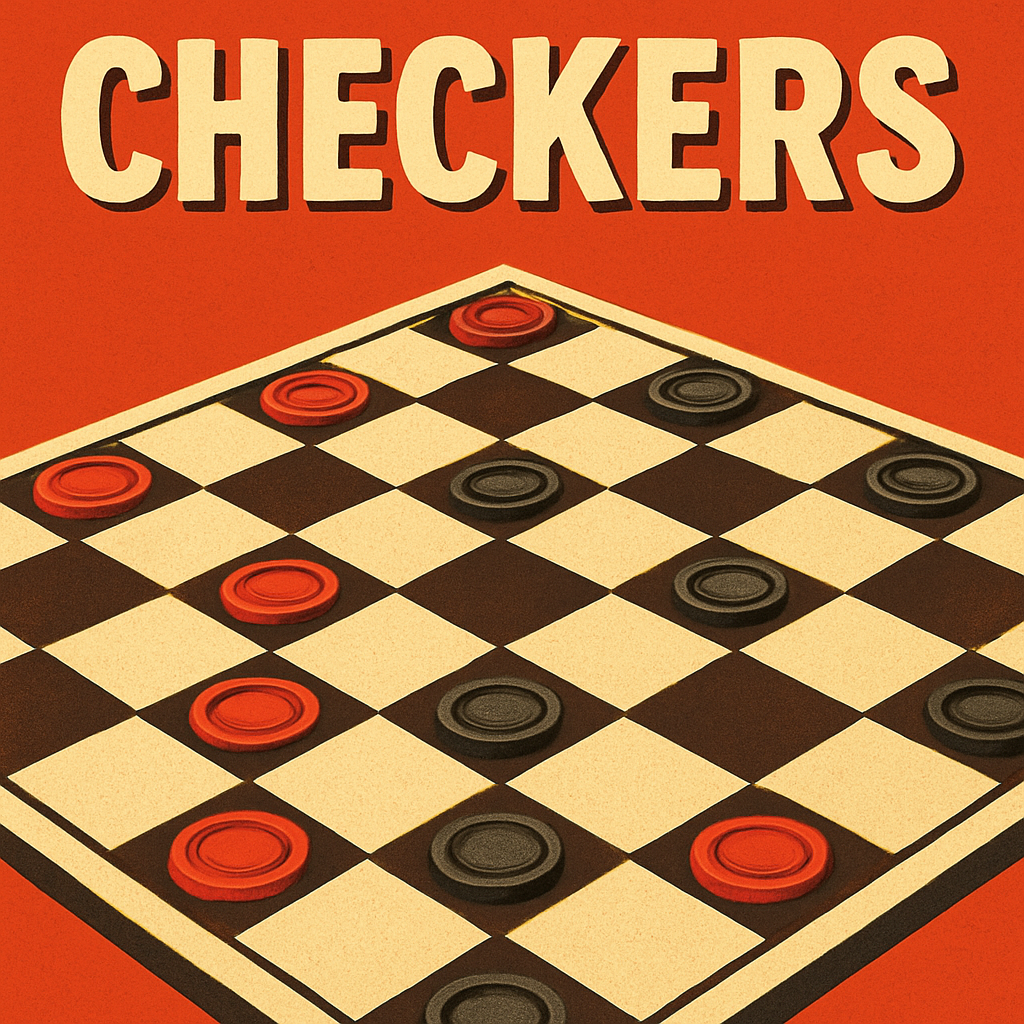
Checkers PDF
★ 4.7Classic Strategy, PDF Innovation!
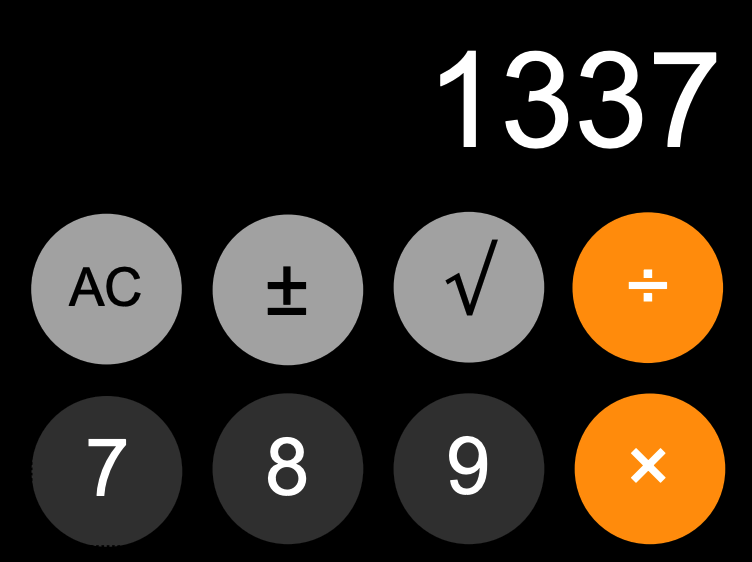
Calculator PDF
★ 4.9Calculate, Play, Challenge!
Features of Calculator PDF
- iOS-inspired sleek design
- Standard calculator functions
- Game modes for math challenges
- Score tracking system
- Speed calculation challenges
- Achievement system
- Smooth animations
- High score leaderboard
- Compatible with modern PDF viewers
How to Play Calculator PDF
Use this calculator like a normal iOS calculator with added game elements. Click or tap numbers and operators to perform calculations. In game modes, follow the on-screen challenges to earn points and achievements. Race against time, solve puzzles, or compete for high scores - all while using familiar calculator functions!
Tips and Tricks for Calculator PDF
- Learn keyboard shortcuts for faster calculations
- Practice common operations to improve speed
- Use the memory functions strategically in games
- Pay attention to patterns in number sequences
- Master the clear and all-clear functions
- Keep track of your calculation history
- Challenge yourself with progressively harder modes
FAQs: Calculator PDF
Calculator PDF uses PDF JavaScript to create an interactive calculator interface with game mechanics. It combines form fields for display and buttons while tracking user interactions and scores.
The calculator works best in modern browsers with PDFium support, particularly Chrome and other Chromium-based browsers.
Yes, you can use both numeric keyboard input and on-screen buttons for calculations and game interactions.
Yes, game modes feature progressive difficulty levels that adapt to your performance and skill level.
Scores are based on speed, accuracy, complexity of calculations, and achievement of specific challenges in each game mode.