What is Flappy Bird PDF?
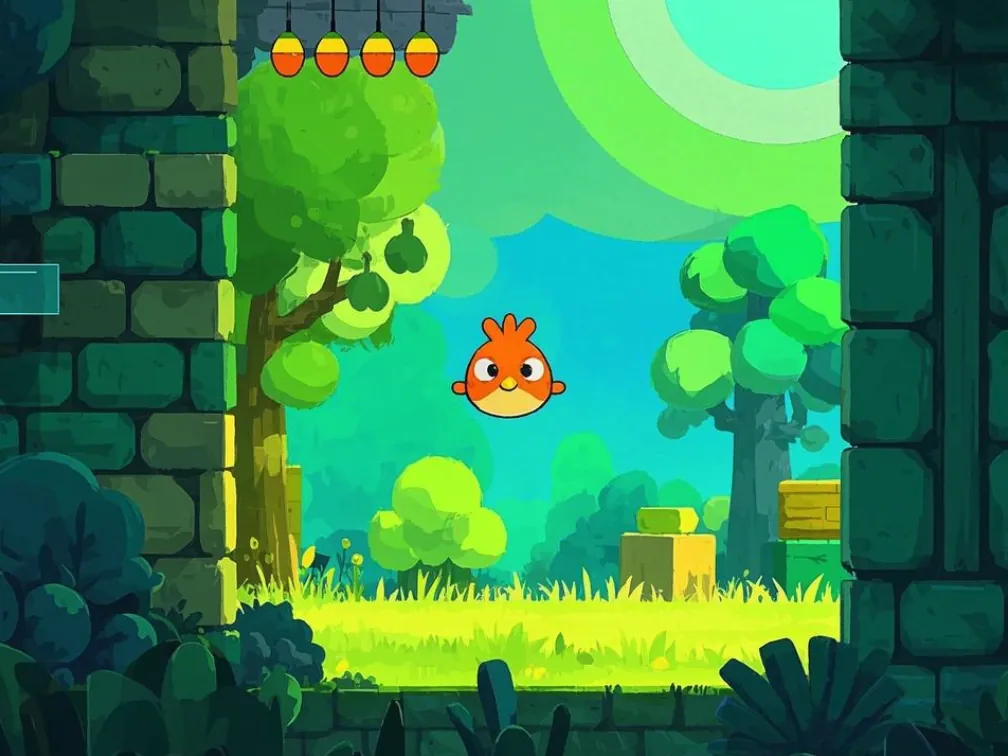
Flappy Bird PDF is the one-button phenomenon squeezed into a single US-Letter page. The bird, the pipes and the score are all form elements inside the document, and the entire page doubles as the flap button — click anywhere and the bird jumps.
It is the most immediately playable game in our collection: no typing into input boxes, no keyboard mapping, just the same cruel timing that made the original famous. If your PDF viewer can't run it, the score field politely tells you "This PDF reader is unsupported!" instead of leaving you guessing.
We don't know who originally built this version. If it's yours, email [email protected] and we'll credit you properly.
How to play.
- 01Open the page in Chrome, Edge or Brave on a desktop computer.
- 02Click anywhere on the PDF page. The first click starts the game loop and gives the bird its first flap.
- 03Keep clicking to stay airborne — each click is one flap against constant gravity.
- 04Fly through the gaps between pipes. Each pipe cleared adds a point to the score at the top.
- 05Touch a pipe or the ground and it's over. Reload the viewer to try again.
How it works.
The page-open action defines the physics constants (gravity, bird size, pipe width and gap) and an init function. The first flap starts app.setInterval("update()", 10) — a game loop asking to run every 10 milliseconds, although the PDF engine will run it as fast as it realistically can.
Input is refreshingly simple: a push-button widget covers the whole 612 × 792 point page, and its mouse-up action calls flap(). That's why you can click anywhere, and why there's no keyboard control.
Collision checks compare the bird's box against each pipe's position with a small hitbox margin, so grazing an edge is slightly forgiving. The score is a text field updated by script; in viewers without PDF JavaScript, it simply keeps its default text — the unsupported-reader message.
Tips.
- Click in a steady rhythm rather than in bursts; over-correcting is what kills most runs.
- Aim for the lower half of each gap — gravity makes it easier to rise into the opening than drop into it.
- Keep the mouse still. Any click counts, so you don't need to chase the bird.
- If it says "This PDF reader is unsupported!", switch to desktop Chrome or Edge.
- Try Flappy Bird Classic too: same idea, different build and a dedicated FLAP! button.
Where it runs.
| Viewer | Status |
|---|---|
Chrome / Edge / Brave (desktop) Smooth in PDFium. | Works |
Firefox (PDF.js) Shows the unsupported-reader message. | No |
Safari (macOS) | No |
Adobe Acrobat Reader Untested here. | Partial |
iOS Safari / iPhone & iPad Mobile PDF viewers ignore PDF JavaScript entirely. | No |
Android Chrome Opens PDFs without a script engine, so nothing moves. | No |
Flappy Bird PDF, answered.
Q1How do I flap in Flappy Bird PDF?
Click anywhere on the page. The whole page is a single button, so there's no special spot to aim for.
Q2Why does it say "This PDF reader is unsupported"?
Your viewer isn't running PDF JavaScript. Open the game in Chrome, Edge or Brave on a desktop computer.
Q3Can I download the Flappy Bird PDF?
Yes — use the download button on this page and open the file in a Chromium-based desktop browser.
Q4Does it work on my phone?
No. Mobile PDF viewers don't run scripts, and tapping the page won't do anything. You'll need a desktop browser.
Q5Who made it?
The original author is unknown to us. If you made it, contact [email protected] and we'll add credit.