What is Flappy Bird Classic?
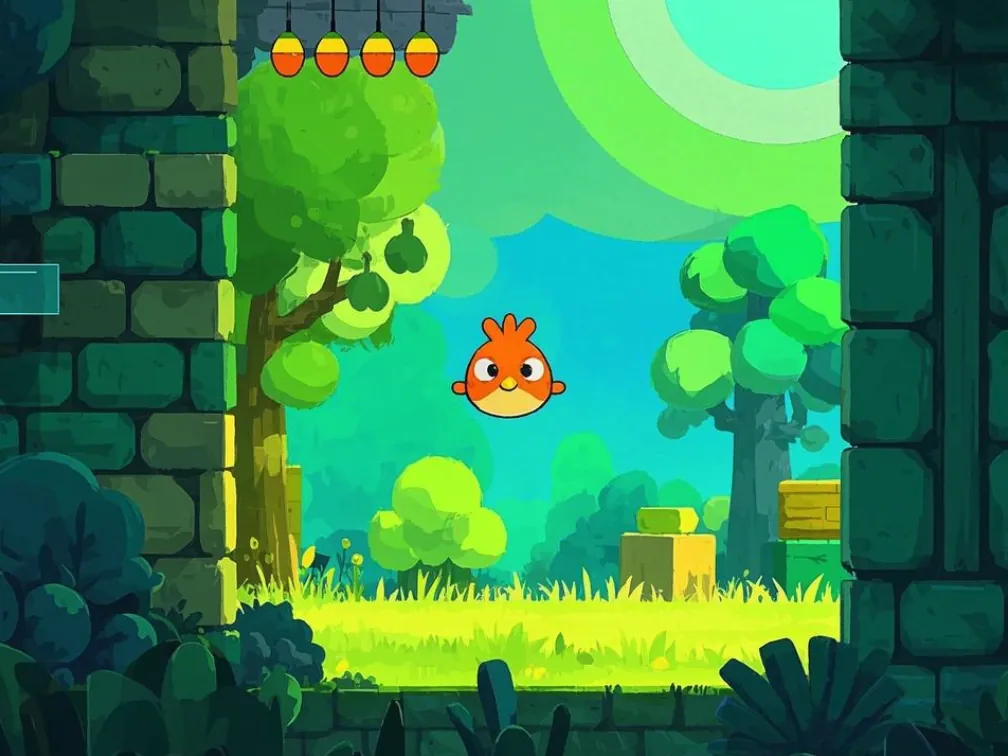
Flappy Bird Classic is an earlier, rougher take on Flappy Bird in a PDF. Instead of turning the whole page into a button, it gives you two plain grey form buttons — Start Game and FLAP! — and a score field. Very office supplies. Very on brand.
The visuals are blocky and the pacing is a little different from our main Flappy Bird PDF, which makes it a nice side-by-side lesson in how two people solved the same problem with the same limited toolbox.
Its original author is unknown to us. If you built it, write to [email protected] and we'll credit you.
How to play.
- 01Open the page in desktop Chrome, Edge or Brave.
- 02Click Start Game in the middle of the page. The button hides itself and the FLAP! button appears near the bottom.
- 03Click FLAP! to give the bird a lift. Gravity does the rest.
- 04Pass through gaps between pipes to increase the score shown at the top.
- 05Crash and the run ends; Start Game returns so you can go again.
How it works.
The script wraps app.setInterval in a small helper so it can pass a normal function instead of a string, then runs game_loop on a fixed tick. Each tick applies velocity to the bird, scrolls and spawns pipes, and checks for collisions.
Buttons are toggled with the field.hidden property: Start Game hides itself once a run begins and reveals FLAP!, whose action calls handle_input. The score lives in a text field called score_text that the loop rewrites as you pass pipes.
Because the flap target is a small button rather than the whole page, you can't click anywhere — keep the mouse parked over FLAP!.
Tips.
- Park the cursor on FLAP! before you press Start Game so you don't lose the first second.
- Short, regular clicks beat frantic double-clicks.
- If nothing happens after Start Game, your viewer isn't running PDF JavaScript — use Chrome or Edge.
- Compare it with Flappy Bird PDF to feel how much a full-page hitbox changes the game.
- Reload the viewer if the buttons get stuck in the wrong state.
Where it runs.
| Viewer | Status |
|---|---|
Chrome / Edge / Brave (desktop) | Works |
Firefox (PDF.js) May load, but timers and field toggling are unreliable. | Partial |
Safari (macOS) | No |
Adobe Acrobat Reader Untested here. | Partial |
iOS Safari / iPhone & iPad Mobile PDF viewers ignore PDF JavaScript entirely. | No |
Android Chrome Opens PDFs without a script engine, so nothing moves. | No |
Flappy Bird Classic, answered.
Q1What's the difference from Flappy Bird PDF?
This version uses explicit Start Game and FLAP! buttons and simpler graphics. Flappy Bird PDF turns the whole page into a flap button.
Q2Can I download Flappy Bird Classic?
Yes, with the download button on this page. Open the saved PDF in desktop Chrome or Edge.
Q3Will it run on iPhone or Android?
No. Mobile PDF viewers don't execute PDF scripts.
Q4Is there keyboard control?
No — only the on-page buttons. PDF scripts can't listen for global key presses.
Q5Who made it?
We don't know the original author. Contact [email protected] if it's yours.